So I finally finished up some projects that I have had in the works and I am ready to share!
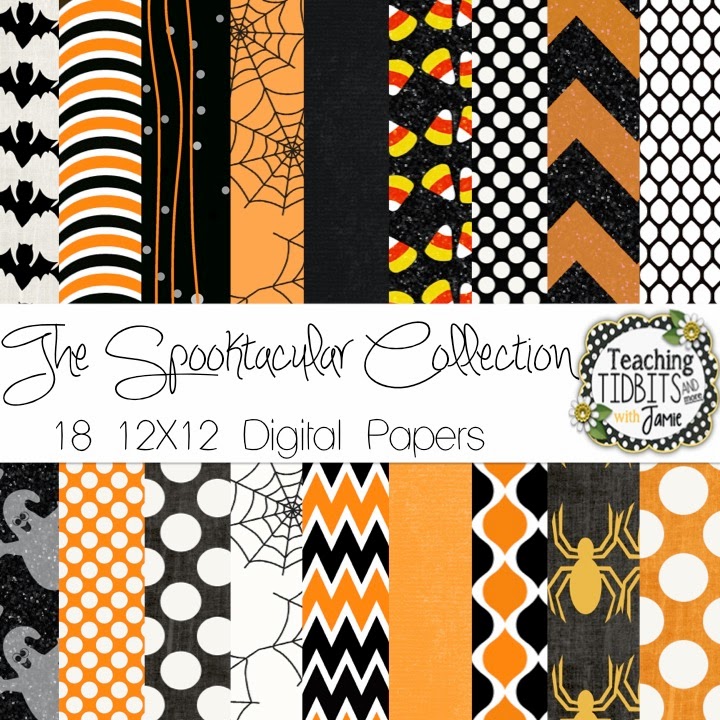
Up first, I finished my newest Halloween themed digital paper pack. It has some glitter and distressed accents on some of the digital files. I recently learned how to make a glitter texture in Photoshop and I think it may be my newest addiction. I have a feeling it is going to start popping up in more of my products.
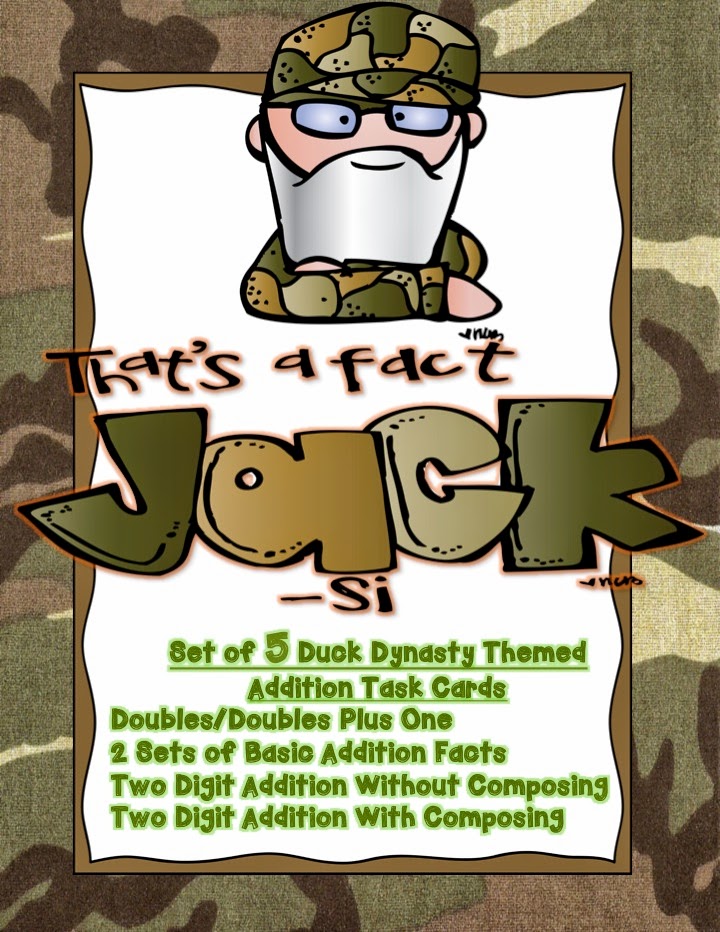
Next up, I finished this Duck Dynasty 5 piece task card addition set. It took a little longer that I had hoped, but my class was able to use it as a review last week. We love Duck Dynasty in my class, but that is probably because we live in Louisiana and they do not live that far from us.
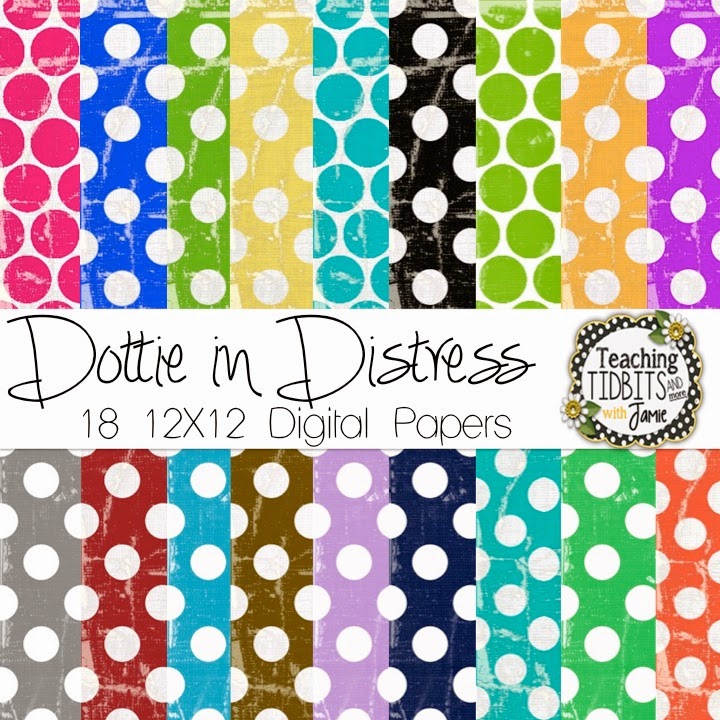
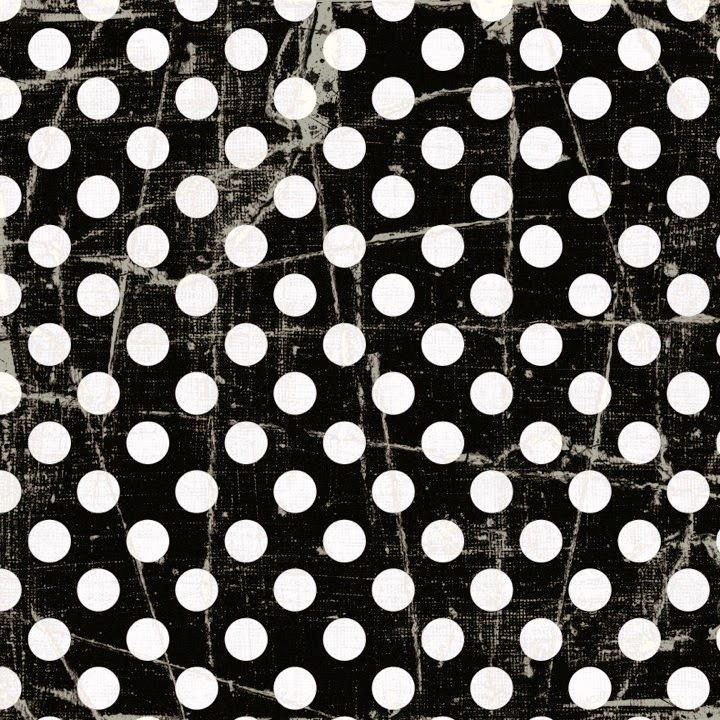
I also finished this polka dot paper set. Ever single digital piece of paper in this set has a distressed appearance. It seems like it doesn’t matter how many designs you come up with, polka dots, chevron and solids are always the most popular.
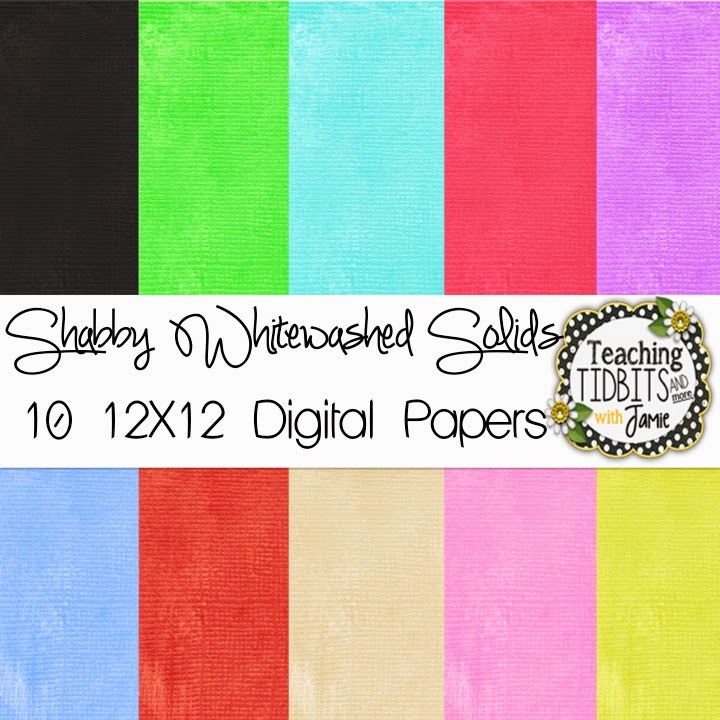
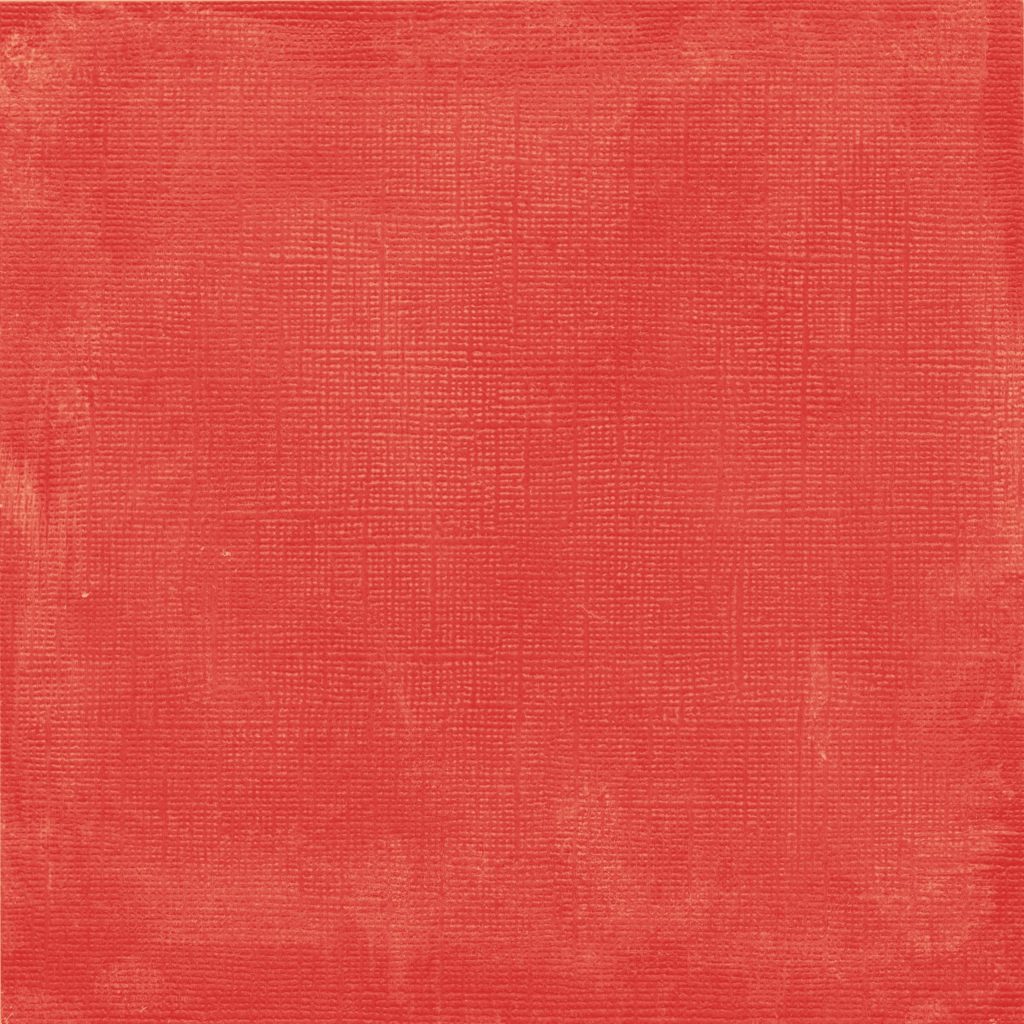
Now for your freebie – just click on this image to visit my TpT shop and download this 10 piece solid set. However, it is not just a plain ole’ solid. They all have a card stock texture with a slight shabby whitewash applied to them. You probably picked it up by now that I love the shabby, chic, distressed look. If you do download, please leave feedback. I hope you can find use for it!!!
Thanks for stopping by and taking a peek!!





Love that Halloween paper! I've always wanted to learn how to design digital paper. Is it difficult?
Jennifer
Mrs. Laffin's Laughings
Yes, {kinda} – mostly just practicing over and over! It is like any learning curve the more you do, the better you get. When I look back at my stuff now compared to when I first started, I see such a big difference!!! I use Photoshop and I have watched my fair share of You Tube How To videos to figure out how to apply a texture, brushes, or patterns. Sometimes you can purchase overlays for commercial use then blend them in with your own designs. In Photoshop it is all about layering. For example, the freebie above: each sheet has about 4-5 layers per piece, so it is not just dumping a paint bucket onto the image!! Then within each layer I move around the lighting and transparency. If you do ever start, I would recommend Photoshop for digital work.
I have a new obsession with digital papers, and your Halloween papers look great!
Teaching, Love, Cupcakes